Most camera rolls are not really photo albums. They are a mixture of family memories, holiday pictures, screenshots, receipts, accidental shots, and five nearly identical versions of the same moment.
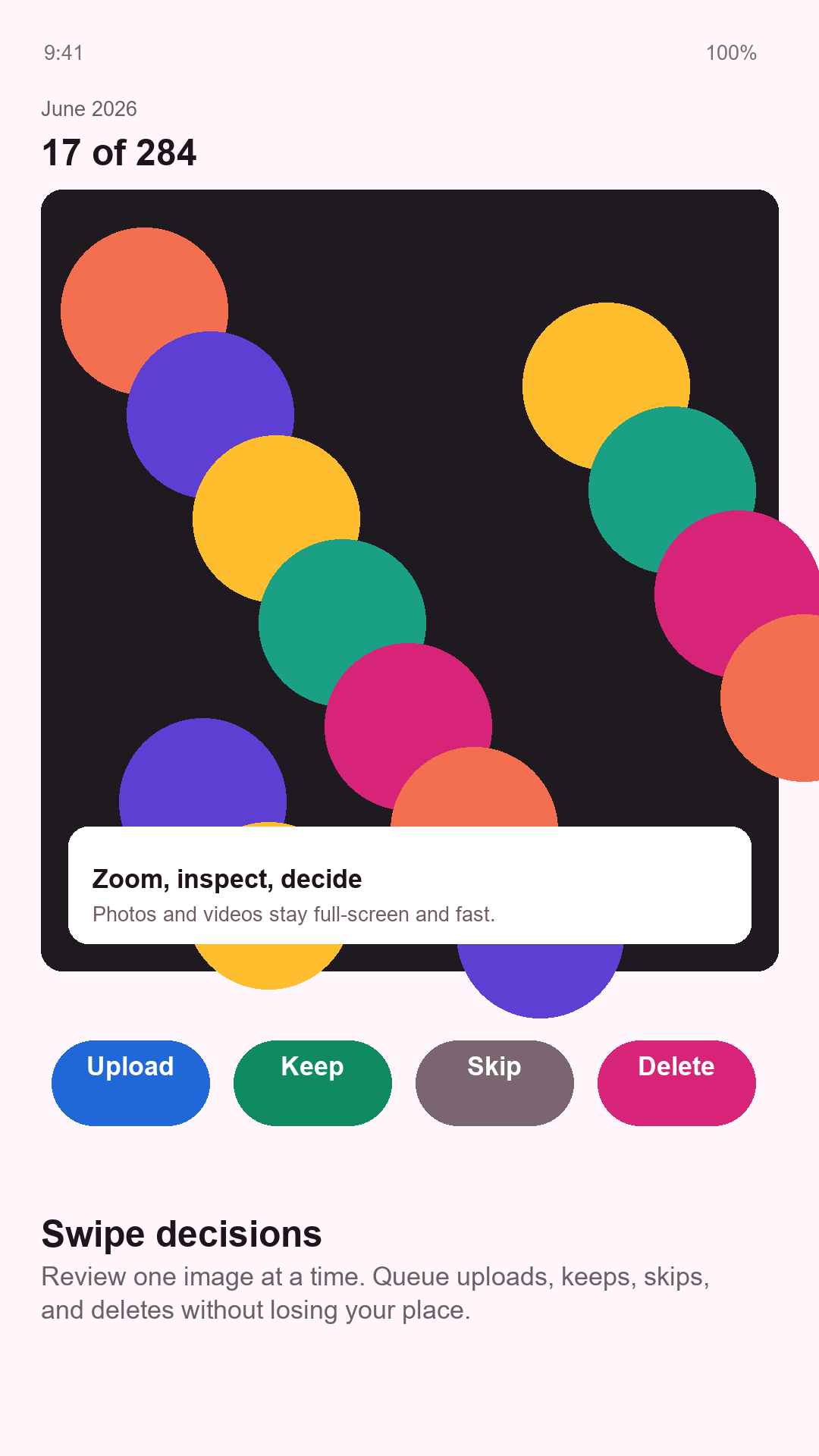
AfterSnap helps you decide what each photo or video is actually for. Keep it on the phone, send it somewhere useful, skip it for later, or place it in the delete queue. Instead of facing thousands of files at once, you work through one month and one decision at a time.
Install AfterSnap
Open Google Play on your Android phone or scan the QR code to get started.
Your camera roll is an inbox
A camera is often the quickest way to remember something, even when the picture does not belong in a photo library forever. We photograph a receipt in case we need the warranty, a parking-space number so we can find the car, and a broken cupboard door because it needs fixing. We take a burst of ten family photos because someone might blink.
The capture is easy. The decision about what happens next is usually postponed. AfterSnap treats the camera roll like an inbox: review each item, make a small decision, and move on.
Decide offline, finish later
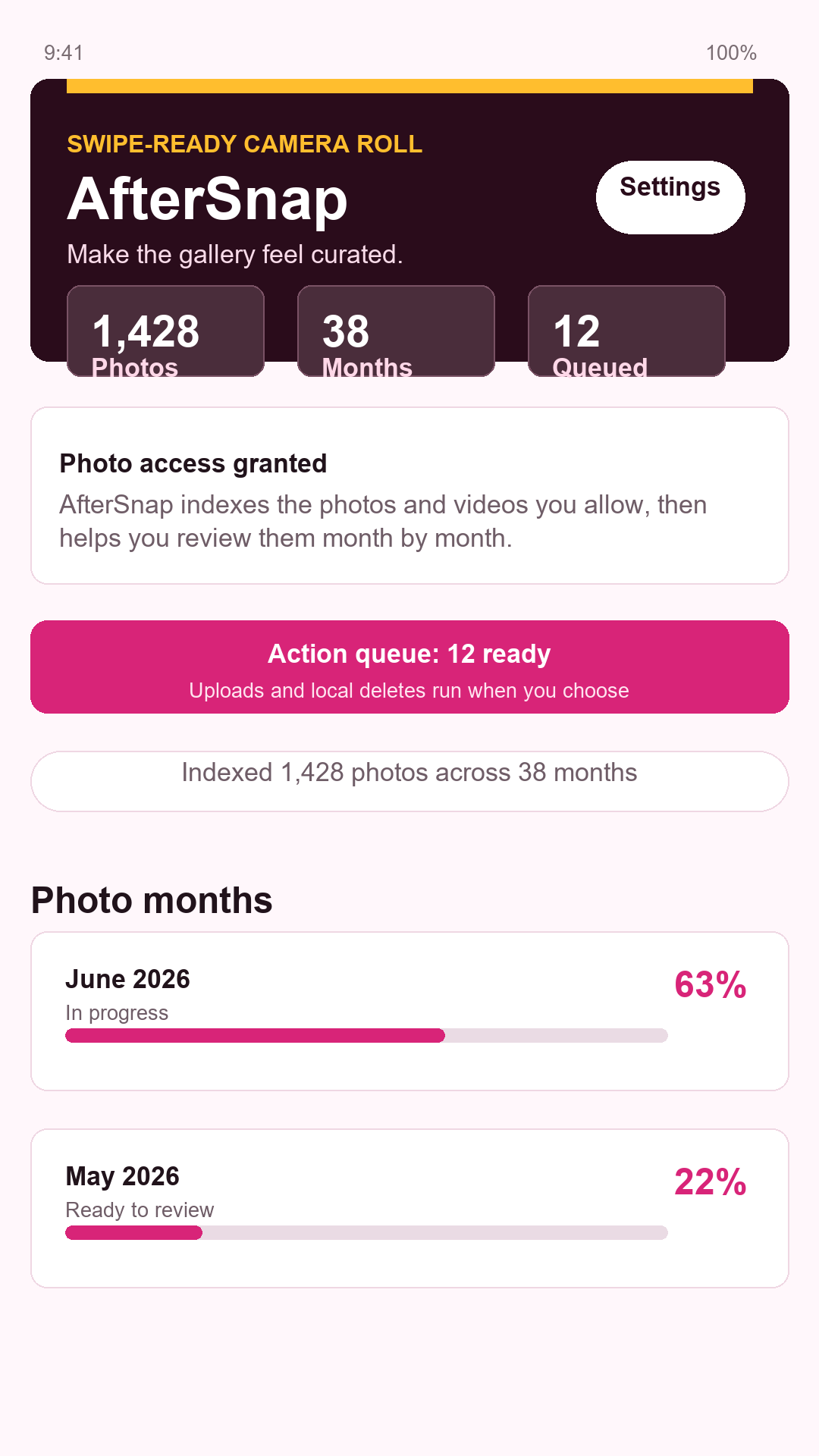
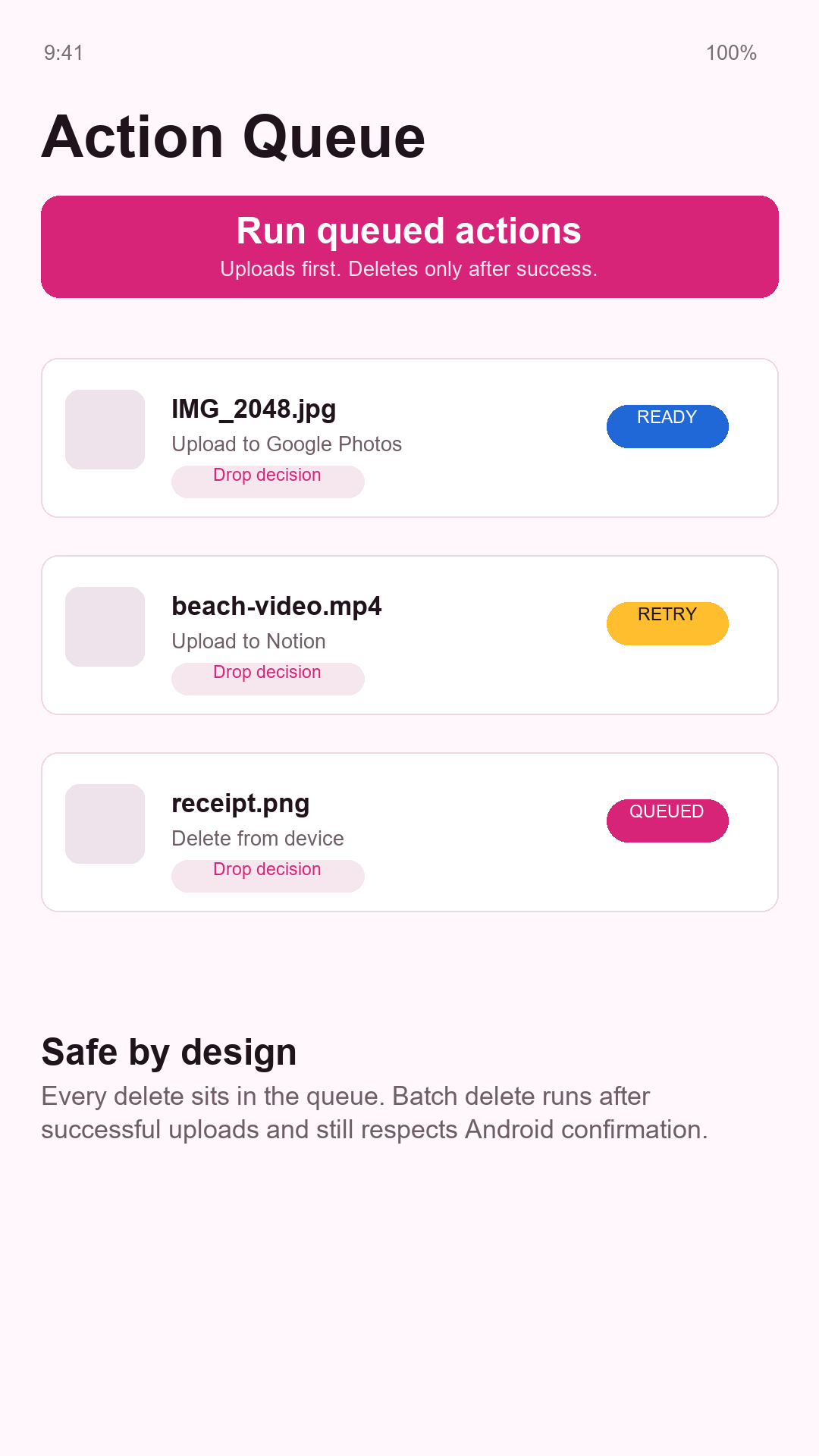
Reviewing photos should not depend on a perfect connection. With AfterSnap, you can make decisions on a flight, on the train home, or somewhere with unreliable mobile coverage. Upload actions stay in a visible queue and can continue later when you have fast, stable internet.
This separation is important: the quiet moment when you have time to organize your photos is not always the moment when you have enough bandwidth to upload them.
Send each image where it becomes useful
Google Photos: keep the memory, not every attempt
Uploading everything preserves the clutter along with the memories. Blurry shots, accidental photos, obsolete screenshots, and near-identical burst images consume storage and make search results harder to browse. If six photos show the same moment, the best one or two are usually the ones you will want to find years later.
AfterSnap lets you choose the versions worth preserving before sending them to Google Photos. The result is a smaller, more meaningful archive instead of a cloud copy of every camera-button press.
Trello: keep home and family projects moving
Some photos are really reminders of something that still needs to happen. If you use Trello boards to organize a move, renovation, holiday, celebration, or shared household jobs, sending the right picture to Trello puts it next to the task it belongs to. For example:
- A photo of the leaking tap can go with the card for calling a plumber
- Room measurements and furniture ideas can stay with a decorating plan
- Before-and-after pictures can document a renovation or garden project
- Party ideas, shopping finds, and venue photos can join a shared planning board
- Pictures of items to sell can move through a simple photograph, list, and sold checklist
One useful picture beside the right task is easier to act on than trying to find it again in a camera roll weeks later.
Notion: save useful information for later
Notion makes sense when a picture contains information you want to keep and find again. A few carefully selected photos can add lasting context to:
- Holiday journals, restaurant recommendations, and places you want to revisit
- Recipes, handwritten instructions, and meal ideas
- Receipts, model numbers, warranties, and household inventory records
- Books, clothes, furniture, gifts, and decorating ideas saved for inspiration
- Children's artwork or family keepsakes you want to remember without keeping every photo on the phone
Choosing the useful image first keeps your pages tidy and makes the information much easier to find when you actually need it.
Delete: remove images that have finished their job
Some images are temporary by nature. A screenshot of a boarding pass, a parking-space number, an item you have already purchased, or directions to a place you have reached may no longer provide any value. The same applies to failed compositions, blurry attempts, and weaker versions of a photo you have already chosen.
Deleting those files is not about losing memories. It is about removing noise so the images that matter become easier to see.
Everyday AfterSnap workflows
- After a family event - keep the strongest portraits, upload the best group photos, and delete the closed eyes and duplicate bursts
- On the journey home - review holiday pictures without a connection, then let the selected uploads run later on Wi-Fi
- While improving your home - send repair needs, measurements, and progress photos to a Trello board while removing redundant angles
- After shopping - save the important receipt and product details in Notion, then delete price tags and temporary comparison screenshots
- When planning a celebration - keep the best venue, decoration, and food ideas with the relevant Trello tasks
- At the end of each month - spend a few minutes removing blurry pictures, old screenshots, and duplicates before the backlog grows
Deletion remains deliberate
AfterSnap keeps pending actions visible and does not silently remove personal media. Items selected for deletion go into a queue, and Android presents its system confirmation before they are deleted. You can move quickly without giving up control of the final step.
AfterSnap is for anyone who wants a camera roll with less noise and more purpose: make fast decisions now, complete uploads when the connection is good, and keep each image in the place where it will be most useful.
Install AfterSnap
Open this page on your Android phone or scan the QR code to install AfterSnap from Google Play.